
[Rx] Font Broke? How to Install Semi-bold, Etc. for Word/PowerPoint
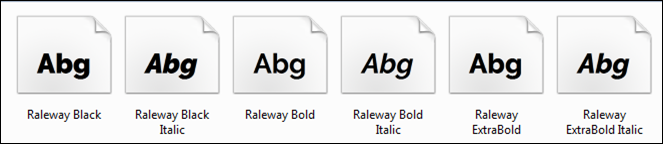
Installing Font Variations for Word/PowerPoint
1. Install FontForge.
FontForge is an open source font editor.
2. Using FontForge, Rename Semi-Bold Raleway
For ease, create a directory on the desktop called Raleway Tracks. In this directory, put a copy of Raleway-SemiBold.ttf.
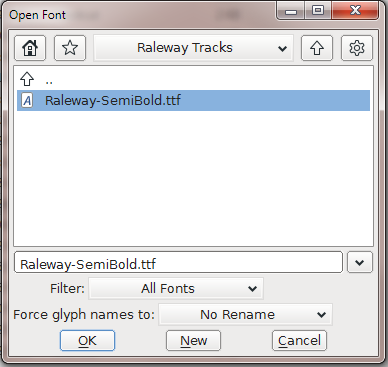
Navigate to the desktop folder and open Raleway-SemiBold.ttf.
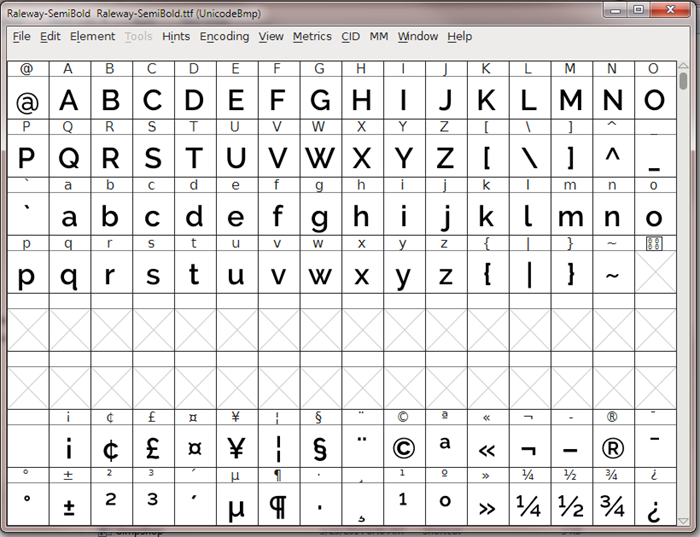
This opens the main font editor window.
From the menu bar, select Element > Font Info…
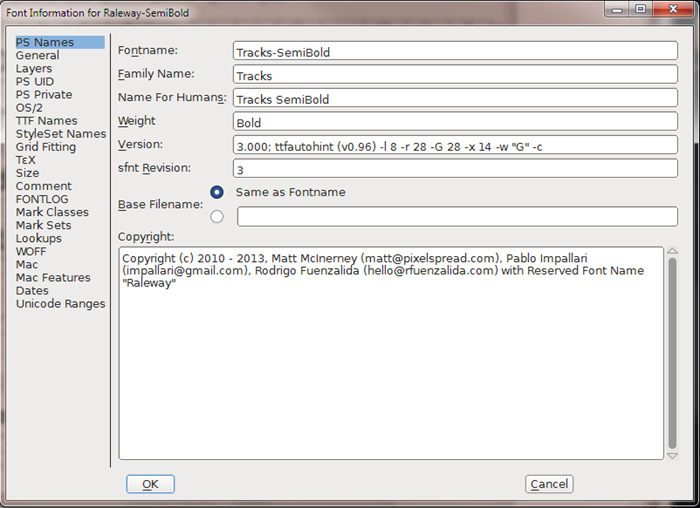
Under PS Names, change:
Fontname: Tracks-SemiBold.
Family Name: Tracks
Name For Humans: Tracks SemiBold
Click [OK].
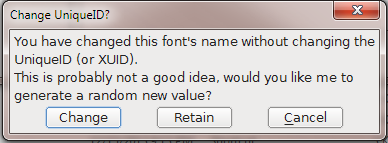
Now, you’re going to get a little popup to change the UniqueID. Go ahead and [Change].
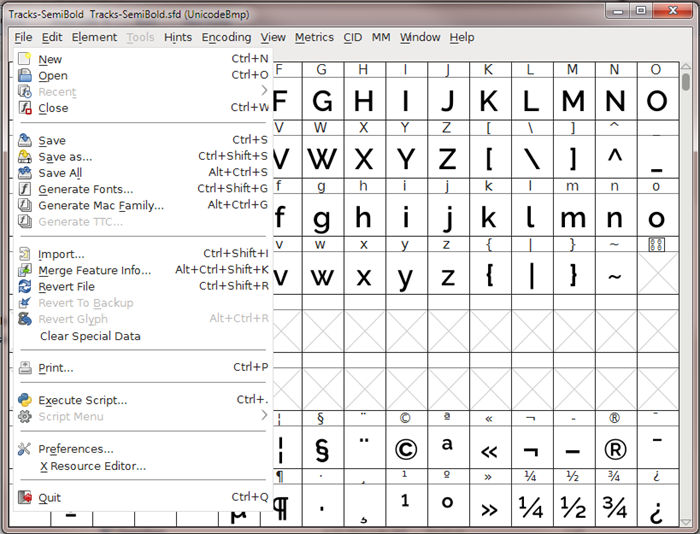
Back in the main window, select File > Generate Fonts…
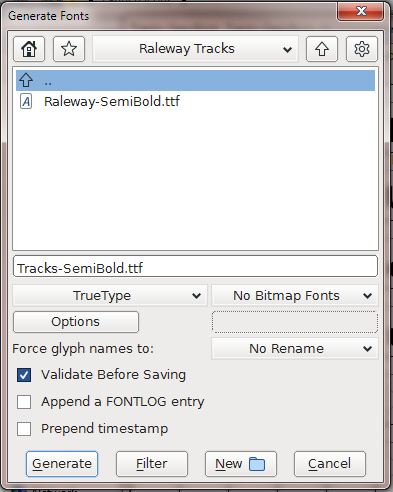
Press [Generate].
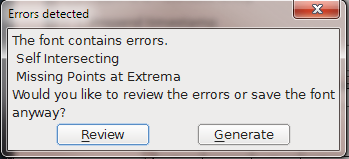
Ignore the error message. Press [Generate].
If everything went right, you should now have a “new” font called Tracks-SemiBold.tff in the Raleway Tracks directory.
3. Install Tracks-SemiBold Font.
Double click on the .tff file and press [Install].
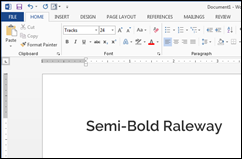
Now, you have Raleway-SemiBold.tff to use whenever your little heart desires… except it’s named Tracks.
