
[Rx] Font Broke? How to Install Semi-bold, Etc. for Word/PowerPoint
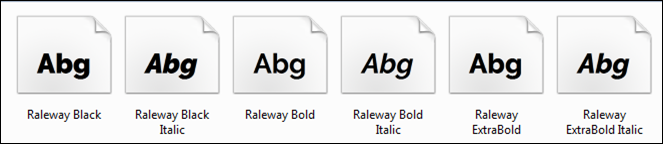
MS-Word and PowerPoint recognize only bold/italic even if other styles are installed?
I found the perfect font to use for titles in a presentation, Raleway Semi-bold. I installed it and when I went back to PowerPoint, I had two options: bold and italic. So, where’s semi-bold? A quick search found that it’s a MS-Office problem. A hack around it was to remove all other variations of the bold font, except for the semi-bold. This would be great unless I wanted to use the actual bold font. My solution was to rename the Semi-Bold Raleway font and install it as a “new” font.
![[Rx] How to Create a Screen Readable PDF](/posts/how-to-create-a-screen-readable-pdf/_images/PDF-Logo_thumb4.png)
