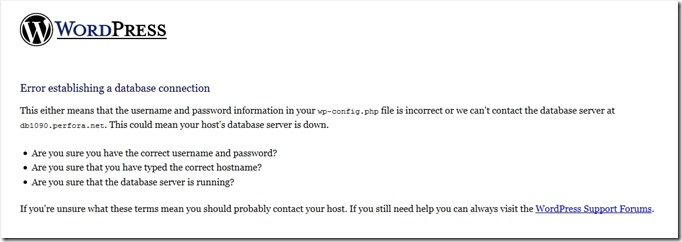
[Rx] Local Web Development - Installing WordPress on UniServer
![[Rx] Local Web Development - Installing WordPress on UniServer](/posts/rx-local-web-development-installing-wordpress-on-u/_images/wp_02.jpg)
Back in the day, I was working with WordPress and wanted an easy way to develop locally. I got lucky and found a great piece of software… Uniform Server, an open source lightweight mobile WAMP server that I use as a local web development environment. Version I used back in the day, i was on: 12.0.1_Zero XII. After UniServer, I installed the latest WordPress.
![[Rx] Jupyter Notebook - Select Browser](/posts/rx-jupyter-notebook-select-browser/_images/2015-10-28_091835_thumb.jpg)

![[Rx] Fried Spam with a Side of WP Comments](/posts/wordpress-fried-spam-with-a-side-of-comments/_images/spam01_thumb.png)

![[Rx] How to Create a Screen Readable PDF](/posts/how-to-create-a-screen-readable-pdf/_images/PDF-Logo_thumb4.png)